
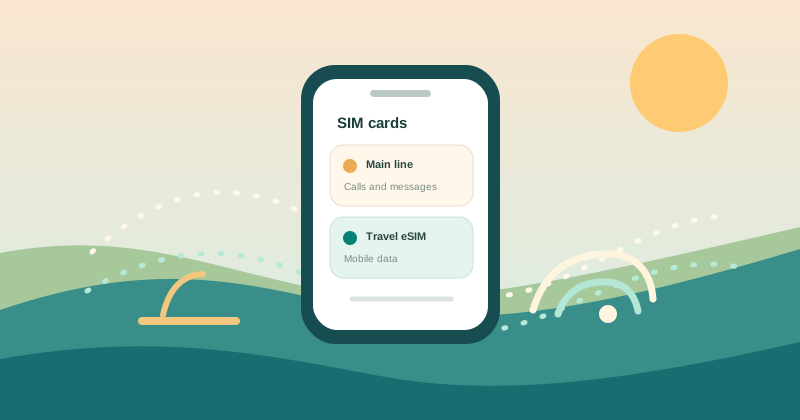
Set the right mobile-data line when travelling
Dual-SIM menus differ across device makers. Usually one line is selected for mobile data at a time, while the other line may remain available for calls or messages subject to its carrier terms.
Before you go
Label your lines before departure, choose the travel profile for data when your plan says it is active, and check data switching settings. Verify the selection after a device restart.
- Check the selected line separately for calls, messages and mobile data.
- If your home line stays on, ask your carrier about roaming charges first.
- Confirm hotspot and APN rules in the plan’s own setup notes.
If the instructions don’t match your phone
Phones handle two active lines differently. The mobile-data line can be separate from the line used for calls or messages, and some settings vary by model and carrier.
Published by
MileSIM Travel Intelligence Team
Sourced from GSMA, Apple iOS & Android official technical specifications